Power On
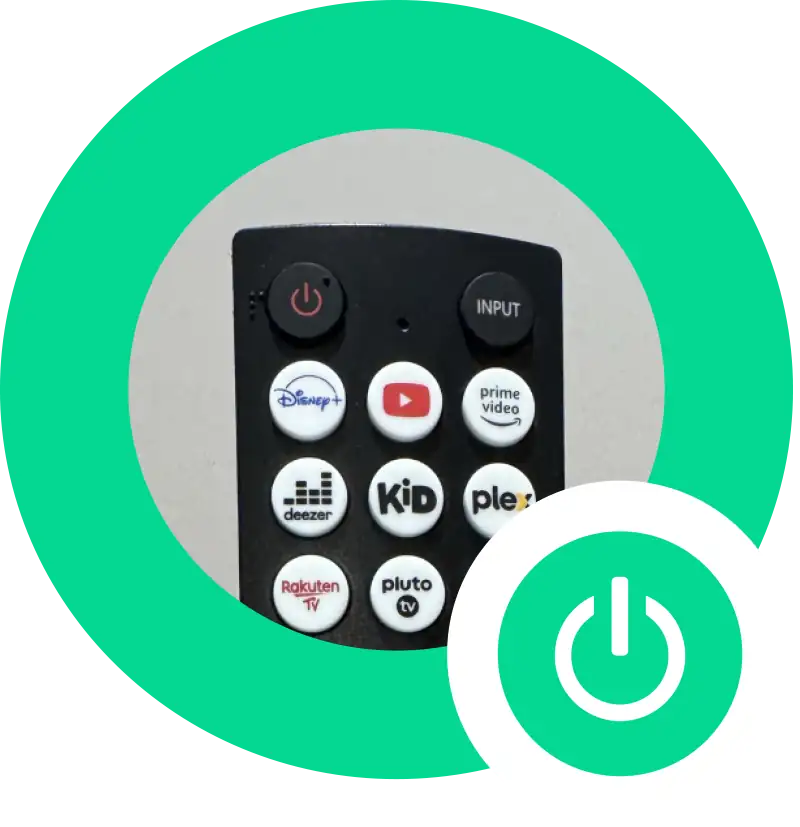
- Power On: Press the power button (red) on the top left of the remote to turn on the TV.
Navigating the Interface
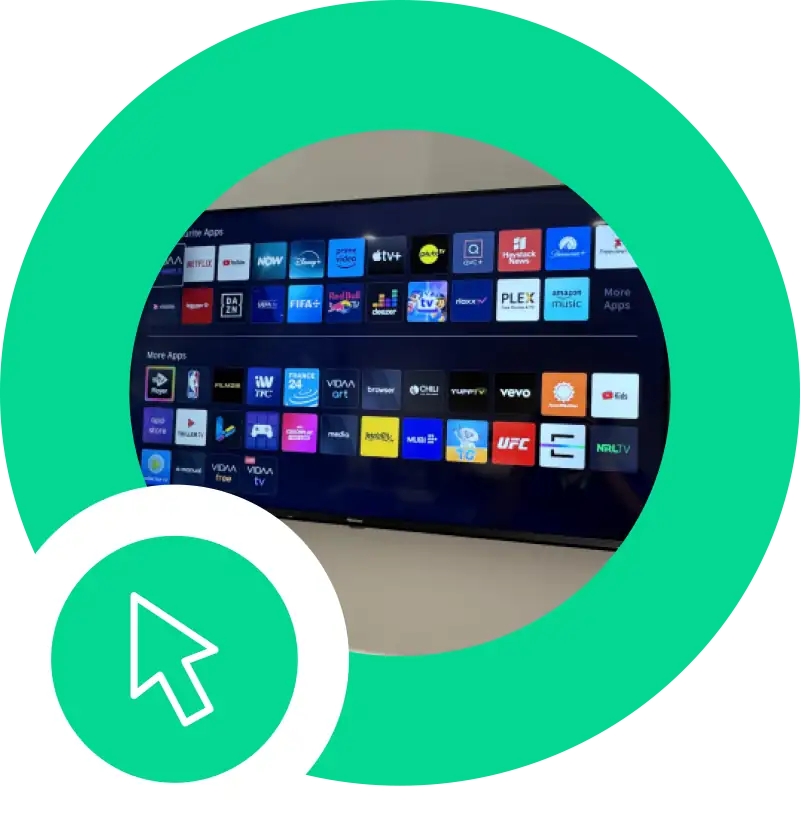
- Home Screen: When the TV is powered on, you’ll be taken to the home screen where you can see the app icons.
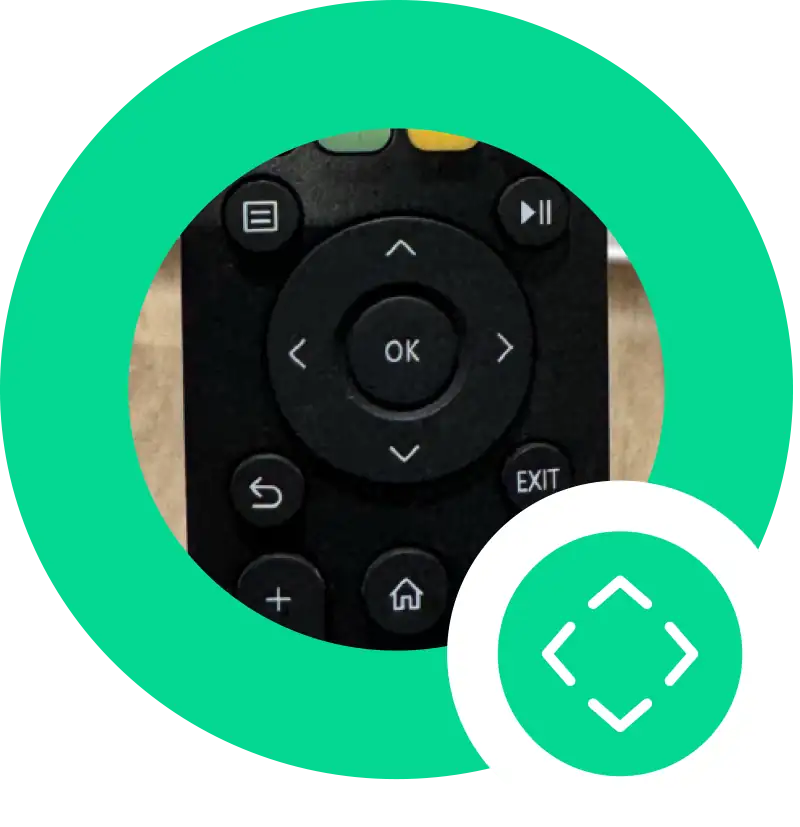
- Navigation: Use the directional buttons (up, down, left, right) around the “OK” button to move through the menu.
Selecting an App
- App Selection: Use the directional buttons to highlight the app you want to use.
- Open App: Press the “OK” button in the centre of the directional pad to open the selected app.
Quick Access Buttons
- Freeview: Access a wide range of free channels including live TV, on-demand services, and catch-up TV from popular broadcasters such as BBC, ITV, Channel 4, and Channel 5.
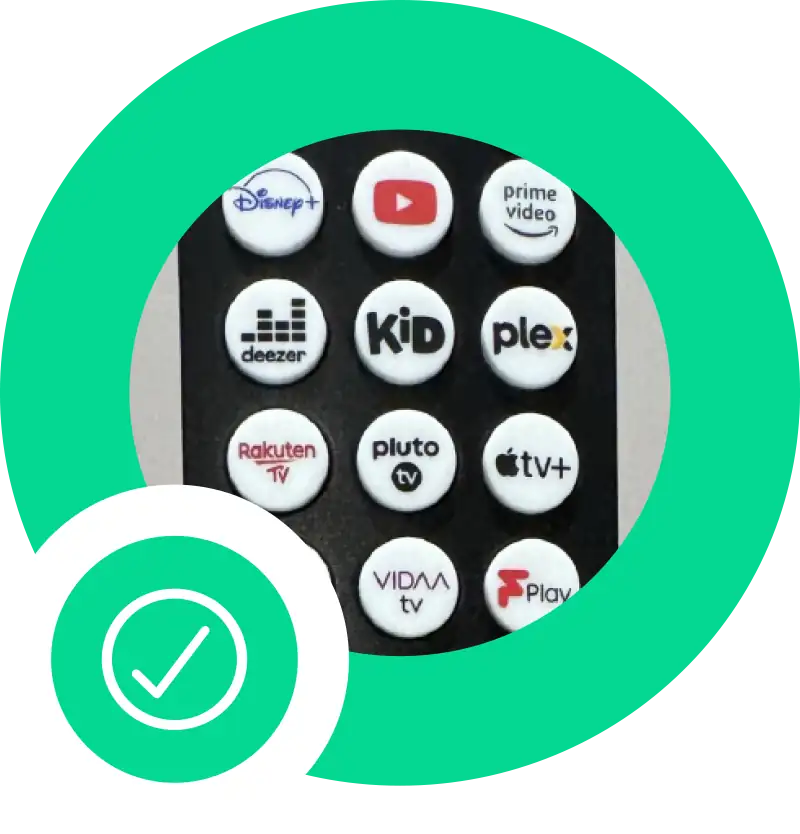
- Streaming Services: Quickly access Disney+, YouTube, Prime Video, Apple TV+, and Netflix.
Please remember to log out of your personal streaming service accounts before you leave.
Volume and Channel Control
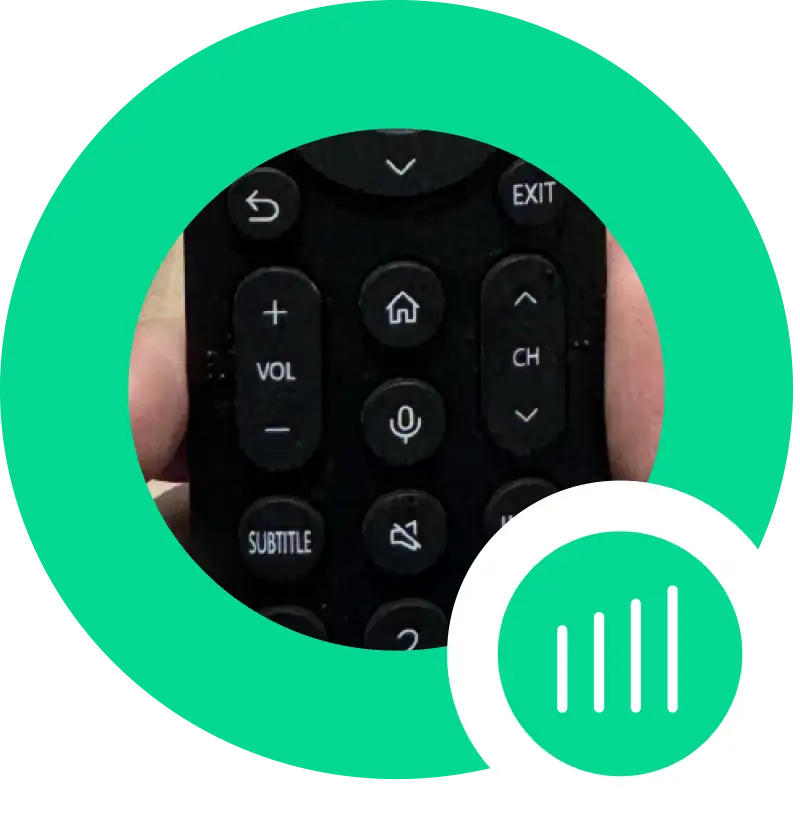
- Volume Control: Use the “VOL +” and “VOL -” buttons on the left side of the remote to adjust the volume.
- Channel Control: Use the “CH +” and “CH-” buttons on the right side of the remote to change channels.
Additional Functions
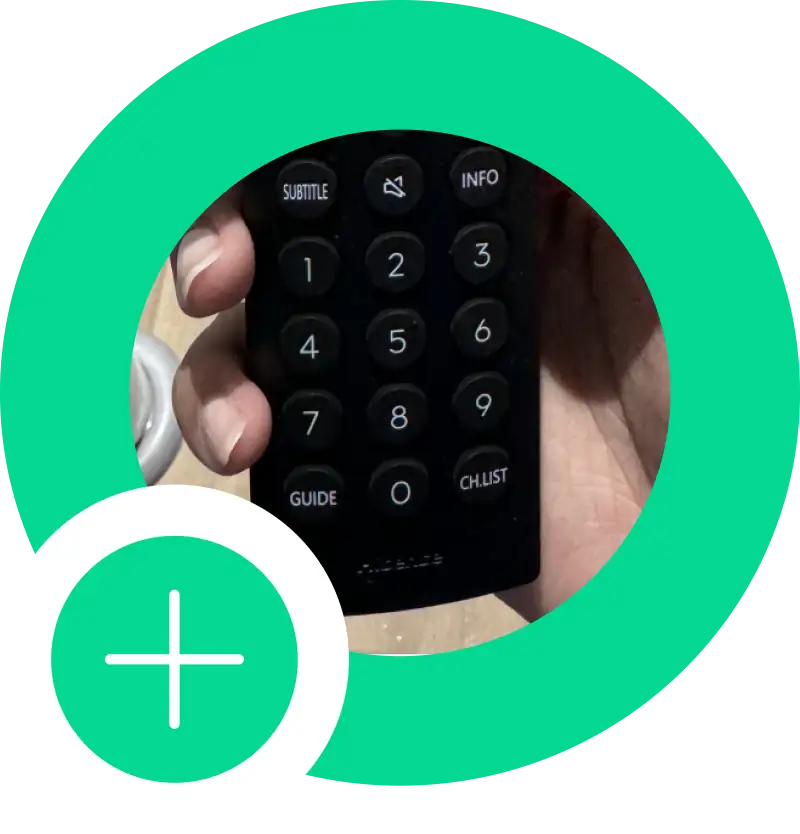
- Subtitle: Press the “SUBTITLE” button to turn on or off subtitles.
- Info: Press the “INFO” button to display information about the current program.
- Guide: Press the “GUIDE” button to open the TV guide.
- Channel List: Press the “CH.LIST” button to view the list of available channels.