
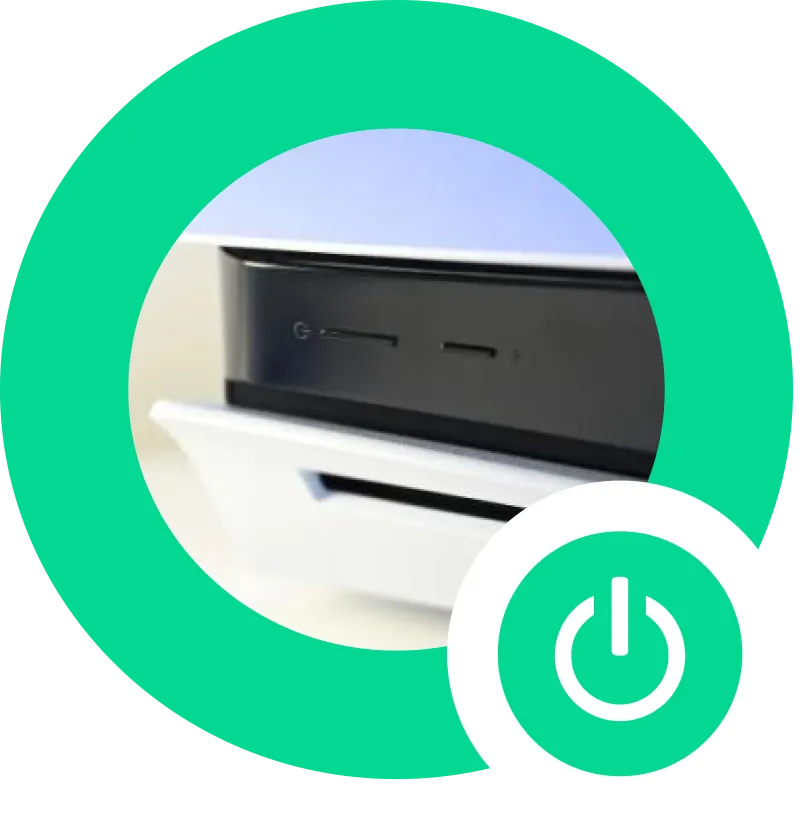
Turning On the PlayStation:
Time to power up! Press the power button on the front of the console or use the controller. To activate the controller, press and hold the PlayStation button in the centre until it lights up. If it’s not charged, simply plug it into the console with the USB cable.
Selecting a User:
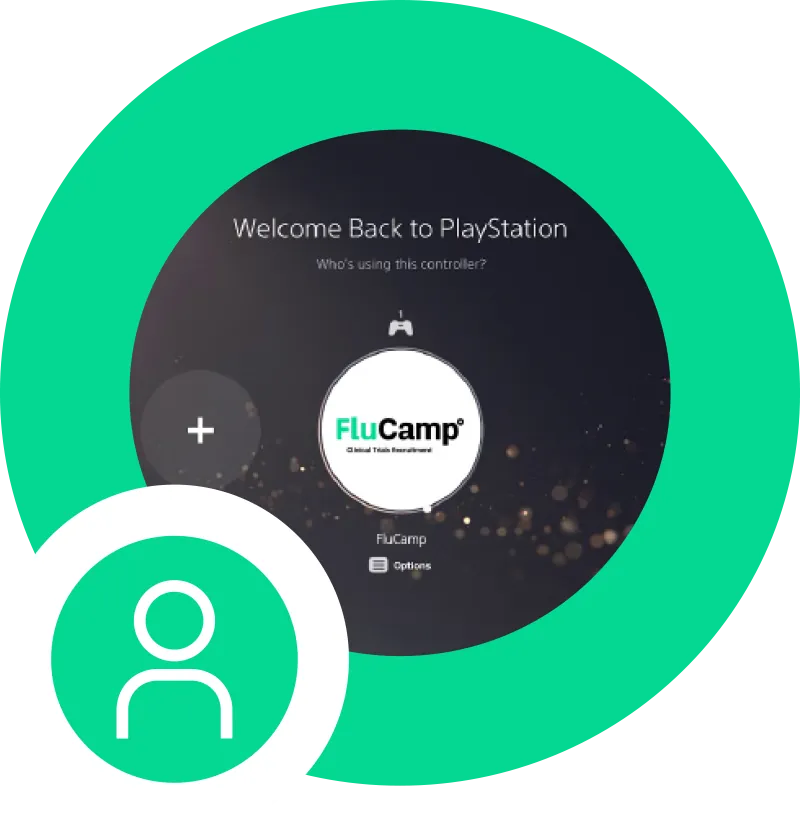
When you reach the user selection screen, select the user named ‘flucamper’. This user account has access to PlayStation Plus, giving you access to a vast library of games. Feel free to explore and play as many games as you want!
Using Your Own Login:
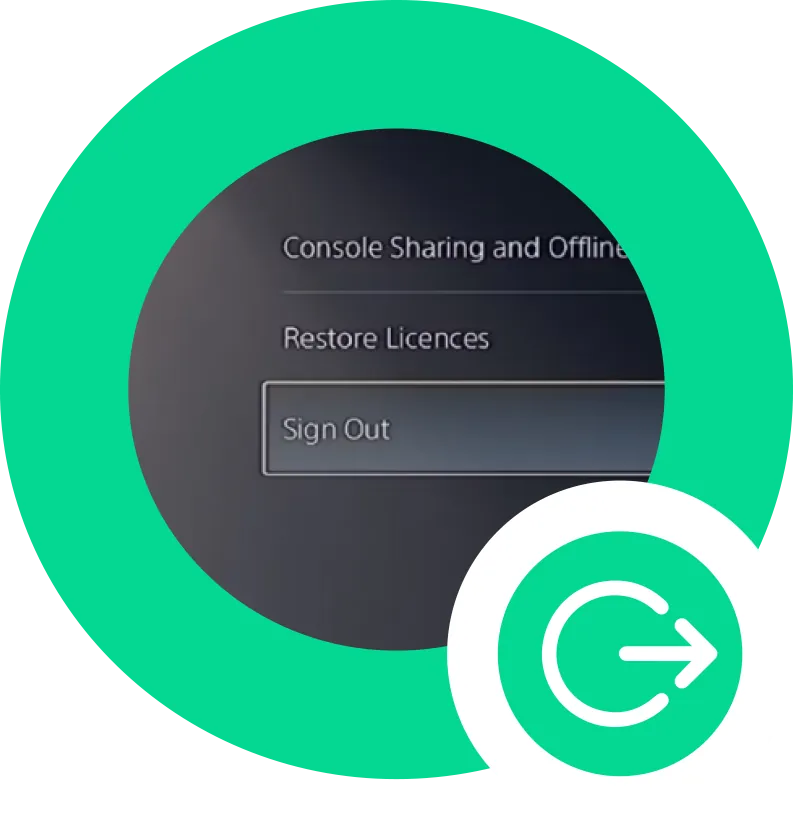
If you prefer to use your own login, that’s perfectly fine! Just remember to log out before you leave to keep your account secure.
Navigating the Home Screen:
Welcome to the home screen! Use the left joystick on the controller to navigate through the menu options. Want to play a game? Head over to your game library and select a title by pressing the X button. Need some internet action? Go to Settings > Network > Set Up Internet Connection and follow the steps to connect to Wi-Fi.
Enjoying the Games:
You’re all set! Dive into your favourite games and have a blast. Remember, you can pause the game at any time by pressing the options button on your controller. If you run into any issues, our friendly staff is here to help.